The Hidden Technical Costs of a Growing WooCommerce Store
A WooCommerce store can grow quickly while technical problems quietly increase costs. Here's how performance, tracking, plugins, hosting, security, and architecture affect ecommerce growth.
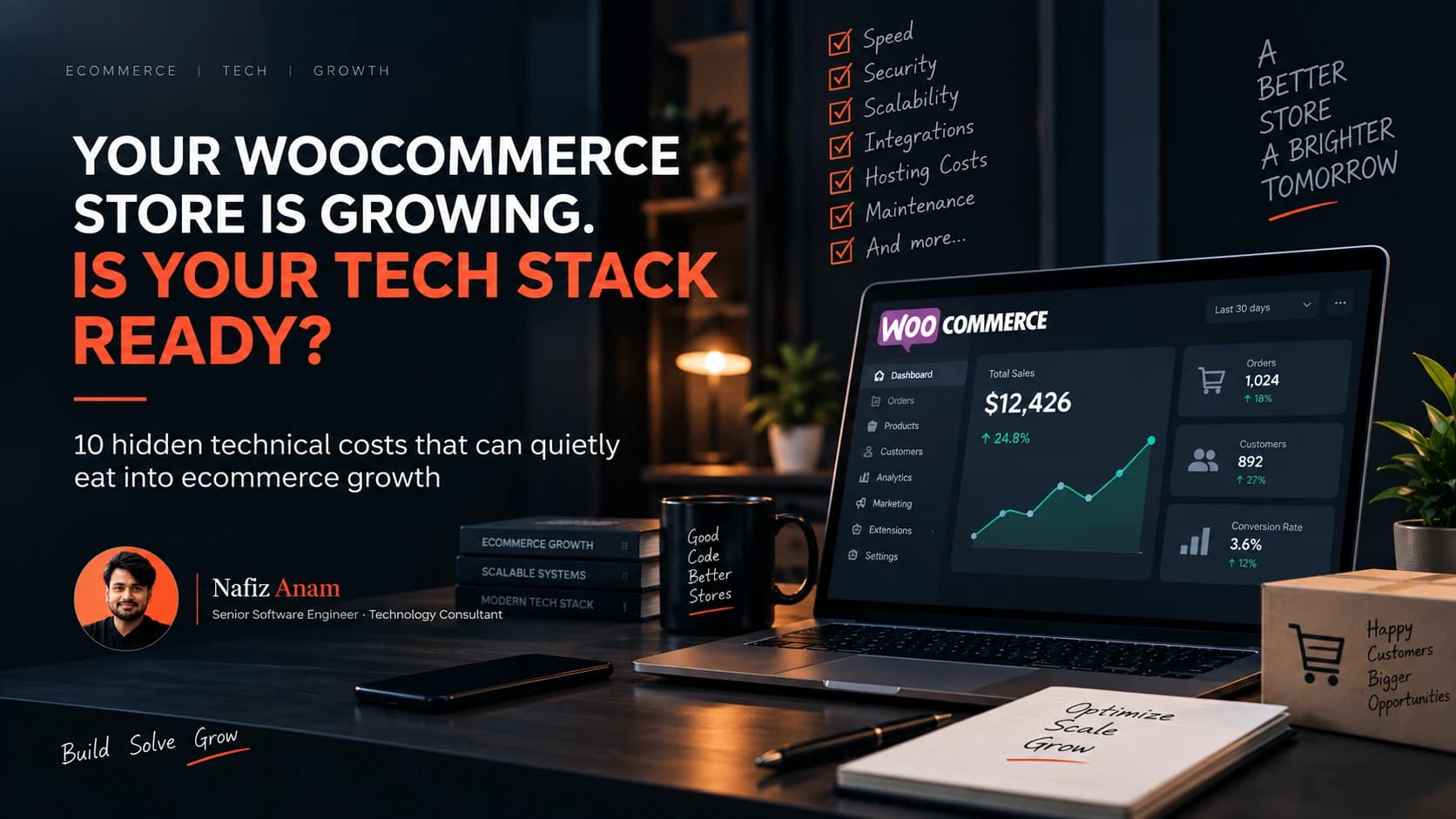
A WooCommerce store rarely becomes technically difficult overnight. It usually happens gradually. You launch with a simple theme. Then you add a few plugins. Then payment gateways. Then analytics. Then Meta Pixel. Then Google Ads. Then email automation. Then a CRM. Then product variations. Then subscriptions. Then custom checkout logic.
Then your marketing starts working. Orders increase. Traffic increases. And suddenly, the website that worked perfectly with 20 orders a month starts behaving very differently at 2,000.
The problem is that growth doesn't only increase revenue. It also increases technical complexity. And if that complexity isn't managed properly, the hidden costs can start affecting everything from conversion rates to advertising performance and operational efficiency.
I've seen this pattern repeatedly across ecommerce projects. The store itself isn't necessarily "bad." The problem is that the technical foundation wasn't designed for the stage the business eventually reached.
Here are some of the biggest hidden technical costs I would look at in a growing WooCommerce store.
1. Website Performance Becomes a Revenue Problem
When a WooCommerce store is small, a few extra seconds of loading time might seem like a technical inconvenience. At scale, it becomes a business problem.
A growing store can accumulate:
- Large product databases
- Heavy page builders
- Unoptimized images
- Too many JavaScript files
- Third-party scripts
- Poorly configured caching
- Inefficient database queries
- Bloated plugins
- External API requests
Each individual issue may seem relatively harmless. Together, they can create a slow shopping experience. And ecommerce users don't experience your website as a collection of technical components. They experience it as: Click, Wait, Browse, Add to Cart, Checkout, Purchase. Every unnecessary delay exists somewhere inside that journey.
The dangerous part
You can have a website that passes a basic speed test while real users still experience a slow store. Why? Because synthetic tests don't always represent mobile devices, real network conditions, logged-in users, cart pages, checkout, third-party scripts, dynamic WooCommerce requests, high traffic, or large catalogs.
That's why I don't treat a single Lighthouse score as the definition of ecommerce performance. Performance optimization should be connected to the actual customer journey.
2. Plugin Debt Quietly Increases
One of WooCommerce's biggest strengths is also one of its biggest technical risks: plugins. Need subscriptions? There's a plugin. Need a booking system? There's a plugin. Need advanced filtering, custom checkout fields, another payment gateway? There's a plugin for each.
This makes WooCommerce incredibly flexible. But every plugin adds another dependency to your system. Over time, you can end up with something like: Theme + Page Builder + 30 Plugins + Custom Code + Payment APIs + Tracking Scripts + Marketing Integrations. At that point, changing one component can unexpectedly affect another.
For example: a plugin update changes a database query, which affects the checkout. A checkout plugin changes a JavaScript dependency, which breaks a tracking event. A theme update changes the markup, which breaks custom functionality. Now the development team isn't building new features — they're troubleshooting interactions between old ones.
This is what I call plugin debt. It's similar to technical debt, but it is particularly common in WordPress and WooCommerce ecosystems.
3. Tracking Becomes More Difficult as Marketing Grows
This is one of the most expensive problems because businesses often don't notice it immediately. A growing ecommerce business usually starts running more advertising — Meta Ads, Google Ads, TikTok Ads, email campaigns, influencer campaigns, retargeting, affiliate campaigns. And every channel needs reliable conversion data.
But browser-based tracking isn't always reliable. Events can be affected by browser restrictions, ad blockers, cookie limitations, iOS privacy changes, network failures, consent settings, JavaScript errors, or poor event implementation.
So your analytics might say 80 purchases, while your actual store recorded 100. Now imagine making advertising decisions based on the first number. The problem isn't necessarily that the advertising platform is bad — the problem may be that the data pipeline is incomplete.
Client-Side vs Server-Side Tracking
A modern ecommerce tracking architecture often combines browser-side and server-side event collection. Instead of relying entirely on Browser → Analytics / Ad Platform, you can introduce Browser → Your Server → Analytics / Ad Platforms. This can provide greater control over event processing and improve the reliability of certain conversion signals.
The exact implementation depends on the business, consent requirements, platforms, and data architecture. But the broader principle is simple: as your advertising spend grows, the quality of your measurement infrastructure becomes increasingly important.
I've spent a significant amount of time working on server-side tracking infrastructure, including building Servero, a managed server-side GTM hosting platform. Tracking shouldn't be treated as something you install once and forget — it is part of your ecommerce infrastructure. This is exactly what my Tracking & Analytics service is built around.
4. Hosting Costs Can Increase Without Improving Performance
A common response to a slow WooCommerce website is "we need a bigger server." Sometimes that's true. Often, it isn't the first thing that should be changed.
You can move from a small hosting plan to a significantly more powerful server and still have a slow website if the underlying application is inefficient. For example, the bottleneck could be poor database queries, inefficient plugins, excessive admin-ajax requests, slow external APIs, bad caching configuration, unoptimized images, heavy frontend assets, poor PHP configuration, or WooCommerce session overhead.
Increasing server resources can temporarily hide some problems, but it doesn't necessarily solve them. If your application is inefficient, giving it more CPU is sometimes like putting a bigger engine in a car with a broken transmission — you may get some improvement, but you're treating the symptom instead of the underlying problem.
5. The Database Gets Heavier
This is one of the areas many store owners don't think about until something goes wrong. WooCommerce stores generate a surprising amount of data. Depending on the setup, your database may contain products, product variations, orders, customers, order metadata, plugin settings, scheduled actions, logs, sessions, analytics data, revisions, and transients.
As the store grows, the database grows with it, and database performance can become increasingly important. A query that was effectively invisible when the database contained a few thousand records may behave very differently when the dataset becomes significantly larger.
This is particularly important for stores with large catalogs, thousands of orders, many product variations, complex filtering, custom reporting, large customer datasets, or multiple integrations. Database optimization isn't glamorous, but it can make a major difference to the stability of a growing ecommerce platform.
6. Customization Becomes More Expensive
Early-stage stores often use simple customizations. Maybe a developer adds a few snippets. Then another developer adds a custom function. Then someone modifies the theme. Then another developer adds a checkout customization. Eventually, nobody is completely sure what depends on what.
This creates a hidden cost: every future change becomes more expensive. A developer has to spend time understanding the existing system before making a change. That's not necessarily wasted time — it's the cost of accumulated complexity.
Good engineering tries to keep that complexity manageable. That means:
- Keeping custom functionality organized
- Avoiding unnecessary modifications
- Documenting important integrations
- Using hooks and APIs correctly
- Separating custom logic from third-party code
- Removing obsolete functionality
- Maintaining staging environments
- Testing important flows before deployment
The goal isn't to eliminate customization. The goal is to make customization maintainable.
7. Security Risk Grows With Complexity
A WooCommerce store isn't just a website. It's an application handling potentially sensitive business information. Depending on the configuration, it may interact with customer information, orders, payment systems, shipping providers, marketing platforms, CRM systems, email platforms, and third-party APIs.
Every additional integration creates another dependency, and outdated software increases risk. Security maintenance therefore becomes more important as the business grows. That includes WordPress updates, WooCommerce updates, plugin updates, PHP version management, access control, admin account security, backups, malware monitoring, staging/testing, and API credential management.
A store that generates meaningful revenue should not treat backups and security as optional extras.
8. Checkout Problems Are Especially Expensive
Not every technical issue has the same business impact. A broken blog post is annoying. A broken checkout is expensive. If your product page has a minor visual issue, most users can still continue. But if add to cart fails, coupon validation breaks, payment fails, shipping calculation fails, checkout takes too long, or mobile checkout behaves incorrectly, the customer may simply leave.
And unlike a normal website visitor, an ecommerce visitor may have been worth money to acquire. You might have already paid for that customer through Google Ads → Landing Page → Product Page → Checkout. If the final step fails, the entire acquisition cost has already been incurred. That's why ecommerce engineering should prioritize critical revenue paths.
If checkout specifically is where you're losing orders, I've written a dedicated, checkout-focused troubleshooting guide covering nine common WooCommerce checkout problems and how to diagnose each one.
9. Third-Party Integrations Create Invisible Failure Points
Growing stores rarely operate alone. They communicate with external systems — payment gateways, shipping platforms, CRMs, email platforms, analytics, advertising platforms. Every API connection introduces another possible failure. The external service can change its API, become temporarily unavailable, change authentication, return unexpected data, rate-limit requests, or change response formats.
A mature ecommerce system therefore needs to account for failures instead of assuming every API call will always work. Things like logging, retry mechanisms, error handling, monitoring, webhook validation, and alerting become increasingly important.
10. Technical Debt Starts Slowing Business Decisions
This is perhaps the biggest hidden cost. Technical debt doesn't only affect developers — it eventually affects the business. Imagine your marketing team wants to launch a new campaign, but the developer says "we need two weeks to modify the checkout." Or the business wants to introduce a new payment provider, but the existing custom implementation makes it risky. Or the company wants to launch a new product category, but the existing filtering system can't handle it.
Now technology is no longer enabling growth — it's becoming a constraint on growth. That's the point where technical debt becomes a business problem.
So, When Should You Invest in WooCommerce Engineering?
Not every WooCommerce store needs a complicated architecture. In fact, I strongly believe that many businesses over-engineer their systems far too early. You probably don't need microservices, Kubernetes, multiple databases, complex infrastructure, or a massive custom backend just because your store is growing.
Instead, ask better questions: Is the website fast enough for real customers? Is the checkout reliable? Can you trust your conversion data? Are your plugins actually necessary? Is your database healthy? Are integrations monitored? Can developers safely make changes? Can the current architecture support the next stage of growth? Those questions tell you much more than a generic technology checklist.
A Practical WooCommerce Technical Health Check
If I were reviewing a growing WooCommerce store today, I'd start with five areas.
1. Performance
Core Web Vitals, mobile performance, server response time, database queries, image optimization, JavaScript/CSS, caching, and WooCommerce-specific bottlenecks.
2. Ecommerce Architecture
Theme, plugins, custom code, WooCommerce configuration, product structure, checkout, payment integrations, and external APIs.
3. Tracking
GA4, Google Tag Manager, Meta Pixel, conversion events, purchase events, deduplication, consent implementation, and server-side tracking where appropriate.
4. Security & Reliability
Updates, backups, admin access, PHP version, security configuration, staging environment, and error logs.
5. Scalability
Finally, I'd ask: what happens if this store gets 5× more traffic and orders? Not because we should build for imaginary traffic, but because the answer exposes architectural bottlenecks before they become emergencies.
The Goal Isn't a "Perfect" WooCommerce Store
The goal isn't to build the most technically sophisticated ecommerce platform possible. The goal is to build a system that is fast enough, reliable enough, secure enough, measurable enough, maintainable enough, and scalable enough for the business stage. That's good engineering. You don't need complexity for the sake of complexity — you need the right level of engineering for the business.
When Your WooCommerce Store Starts Growing
If your store is getting more traffic, running more ads, processing more orders, or adding more integrations, it's worth looking at the technical side before problems become expensive. A technical review, what I cover under Ecommerce Engineering, can uncover issues that aren't immediately visible from the frontend.
And sometimes the biggest opportunity isn't rebuilding the entire website. It might be removing five unnecessary plugins, fixing one expensive database query, reworking checkout, improving caching, cleaning up tracking, moving specific processing server-side, replacing a fragile integration, improving deployment and staging, or optimizing the hosting configuration. Small technical changes can sometimes have significant commercial consequences.
Final Thought
A WooCommerce store can look exactly the same to a customer while becoming dramatically more complicated underneath. That's why technical health matters more as the business grows.
The question isn't "Does the website work?" The better question is "Can the technology continue supporting the business as it grows?" Because at some point, ecommerce engineering stops being about making a website work. It becomes about making the business work better.
Need help with your WooCommerce store?
I work with startups and growing businesses on ecommerce engineering, WooCommerce development, performance optimization, analytics, tracking infrastructure, and custom software systems.
If your store is growing but you're starting to see performance, tracking, integration, or technical complexity issues, I can help you identify what actually needs fixing before you invest in a complete rebuild. Explore my Ecommerce Engineering, Tracking & Analytics, and Cloud Infrastructure & DevOps services, or see the full list on my services page.
Work Together
Facing something similar in your product?
I help founders and technical teams design, build, and scale software products the right way. Let's talk about your specific challenges.